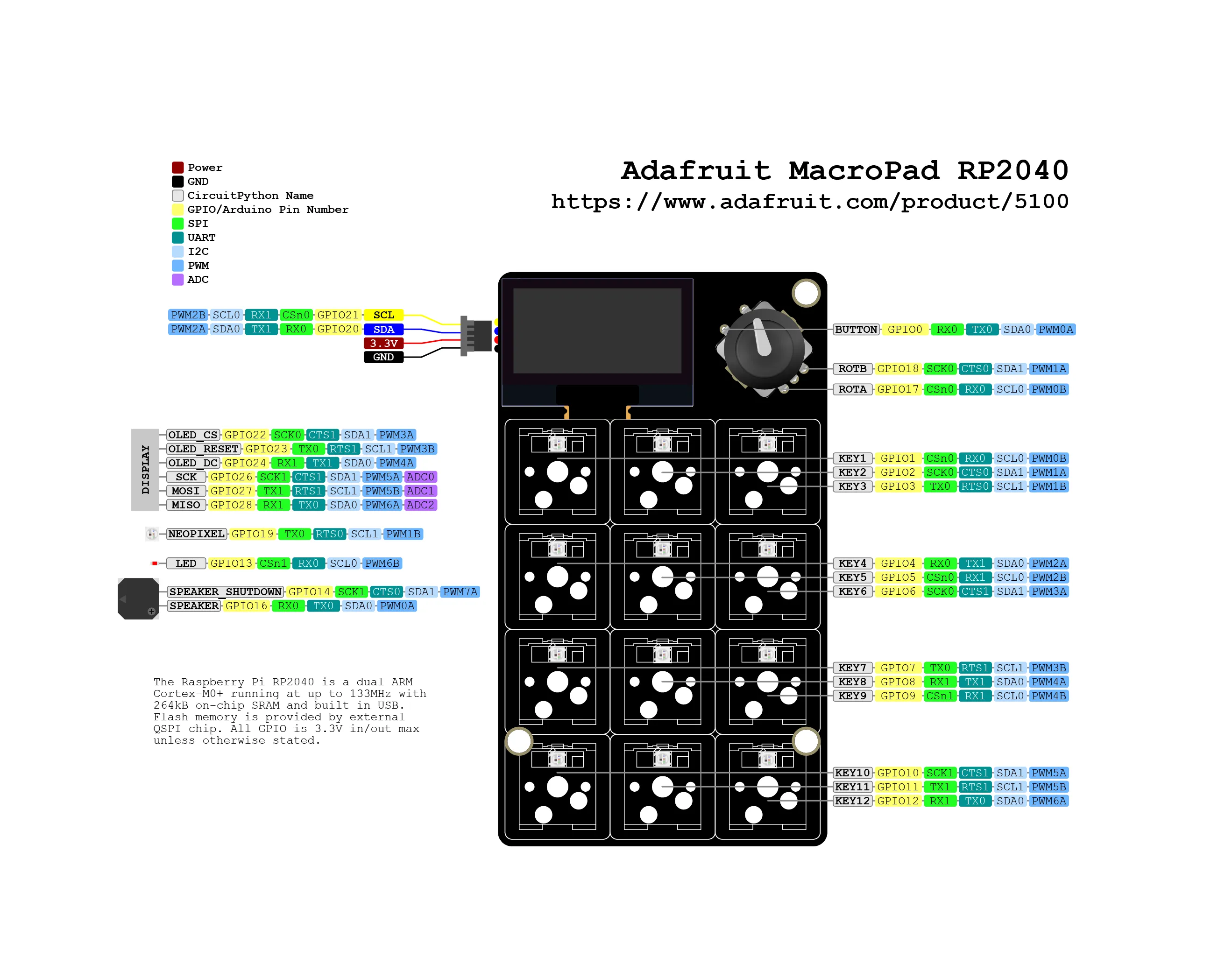
You can buy MacroPad on the official Adafruit store.
This blog post will allow you to make the MacroPad work as a MIDI device.
macropad.NoteOn() and macropad.NoteOff() functions takes the follwing parameters:
- note: The note (key) number either as an int (0-127) or a string which is parsed, e.g. "C4" (middle C) is 60, "A4" is 69.
- velocity: The strike velocity, 0-127, 0 is equivalent to a Note Off, defaults to 127.
from adafruit_macropad import MacroPad
print("NoteOn/NoteOff MIDI using note number")
macropad.midi.send(macropad.NoteOn(44, 127))
macropad.midi.send(macropad.NoteOff(44, 0))
📂 adafruit/macropad-rp2040/midi/00-note-on-off/code.pyView on GitLab ↗
macropad.NoteOn() and macropad.NoteOff() functions takes the follwing parameters:
- note: The note (key) number either as an int (0-127) or a string which is parsed, e.g. "C4" (middle C) is 60, "A4" is 69.
- velocity: The strike velocity, 0-127, 0 is equivalent to a Note Off, defaults to 127.
from adafruit_macropad import MacroPad
# associate each key with this variable plus the key number (0 to 11)
first_key_note = START_NOTE
key_event = macropad.keys.events.get()
note = first_key_note + key_event.key_number
macropad.midi.send(macropad.NoteOn(note, 127))
print(f"{note} note off")
macropad.midi.send(macropad.NoteOff(note, 0))
# increase or dicrease octave based on encoder
new_starting_value = START_NOTE + (macropad.encoder * 12)
# this bound are set becase the first parameter of
# macropad.NoteOn() and macropad.NoteOff() must be
# an integer from 0 to 127
if new_starting_value >= 0 and new_starting_value <= 115:
first_key_note = new_starting_value
📂 adafruit/macropad-rp2040/midi/01-full-octave-pad/code.pyView on GitLab ↗
When using the MacroPad as MIDI device, please refer to the following midi documentation APIs.
Both the sub-project will send MIDI notes, so you need a software that is capable of receiving the incoming MIDI information: try online MIDI piano.