React CRUD API
Consume CRUD API with React & Typescript
react-crud-apiIntroduction
Section titled “Introduction”CRUD stands for Create, Read, Update and Delete.
Those are the basic operations you would perform on a database entity.
In this blog post, we’ll be using a super-simple User entity with name and age properties.
Languages & Tools
Section titled “Languages & Tools”This project combines:
- React library,
- Typescript language superset,
- Vite build tool.
React library
Section titled “React library”React is the library for web and native user interfaces.
Key features of this library are:
- create and nest components,
- write markup with JSX (JavaScript XML) and TSX (Typescript-based JSX),
- conditional rendering,
- event-driven rendering
A key advantage of React is that it only re-renders those parts of the page that have changed, avoiding unnecessary re-rendering of unchanged DOM elements.
Typescript language
Section titled “Typescript language”I prefer to use typed languages, so I always combine React with Typescript superset.
Moreover, for this project I took inspiration from code generated from:
I really suggest to take a look at that project!
Vite tool
Section titled “Vite tool”Last but not least, in this project I am using Vite (French word for “quick”, pronounced like “veet”) is a build tool that aims to provide a faster and leaner development experience for modern web projects. It consists of two major parts:
- development server that provides feature enhancements over native ES modules,
- build command that bundles the code with Rolldown, pre-configured to output optimized static assets for production.
The backend
Section titled “The backend”The backend we’re using is:
You can find the code here:
user_crud_serverProject Structure
Section titled “Project Structure”Code Structure
Section titled “Code Structure”The project structure is:
Directorysrc
Directoryassets/ images
- …
Directorycomponents/ TSX files
Directoryuser
- Create.tsx wrapper for the form
- Form.tsx allow to create and update
- List.tsx GET all
- Show.tsx GET single
- Update.tsx wrapper for the form
- …
Directoryconfig/
- entrypoint.ts
Directoryhooks/ backend calls
- create.ts
- delete.ts
- fetch.ts
- list.ts
- retrieve.ts
- show.ts
- update.ts
- …
Directoryinterfaces/ using strongly-typed languages
- …
Directoryroutes/ React Router configs
- …
Directorystyle/ .css files
- …
Directoryutils/
- …
- App.jsx landing page
- main.jsx app JSX entrypoint
- index.html app entrypoint that calls ./src/main.jsx
As you can see, the UI (.tsx files inside components directory) is decoupled from business logic (.ts files inside hooks directory).
Project Routes
Section titled “Project Routes”CRUD app routes are very important:
/users: list all the users,/users/create: allow creation of a new user,/users/edit/:id: allow editing of a user given its id,/users/edit/:id: show a user given its id,
Eventually, you can also implement /users/delete/:id that could allow to delete a user given its id.
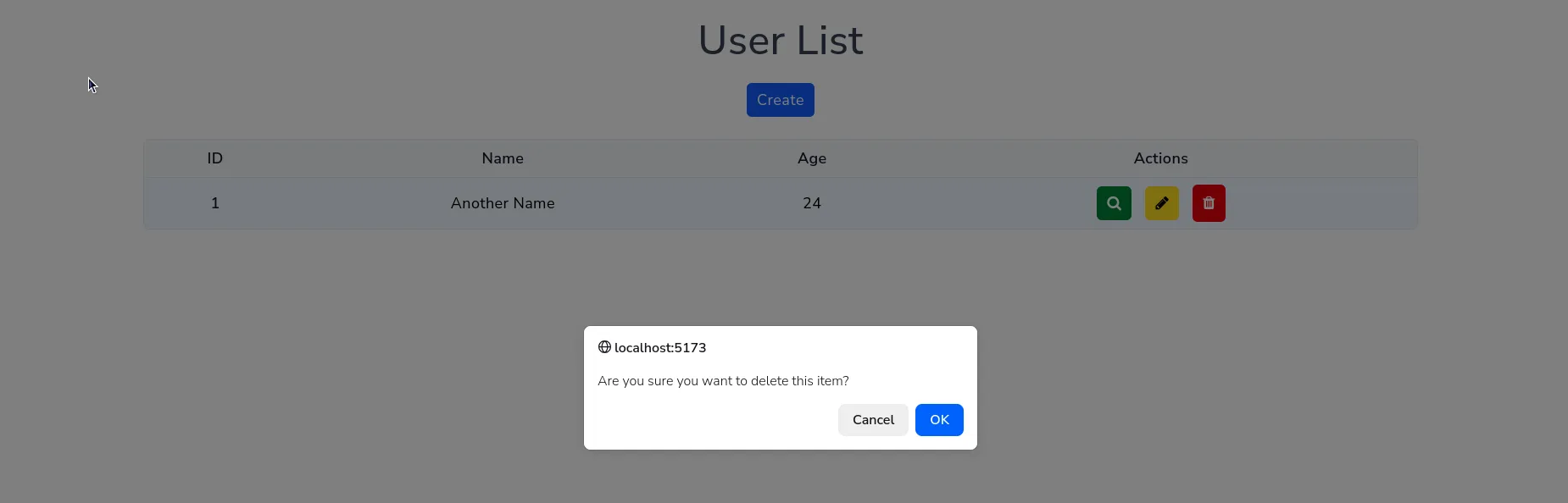
In this application, user deletion is performed through a web +Dialog*.
App Screenshot
Section titled “App Screenshot”List Users
Section titled “List Users”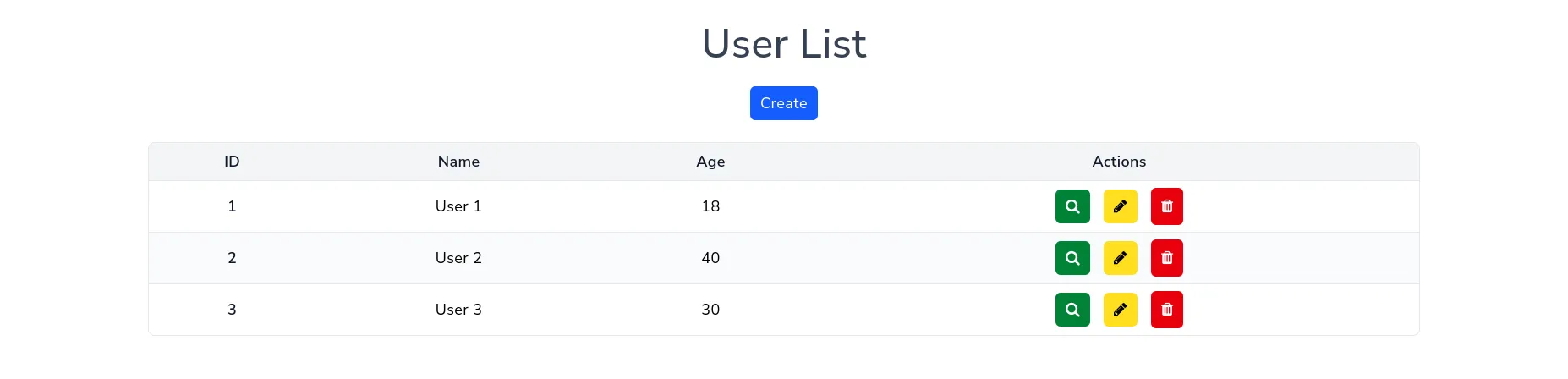
Create new user
Section titled “Create new user”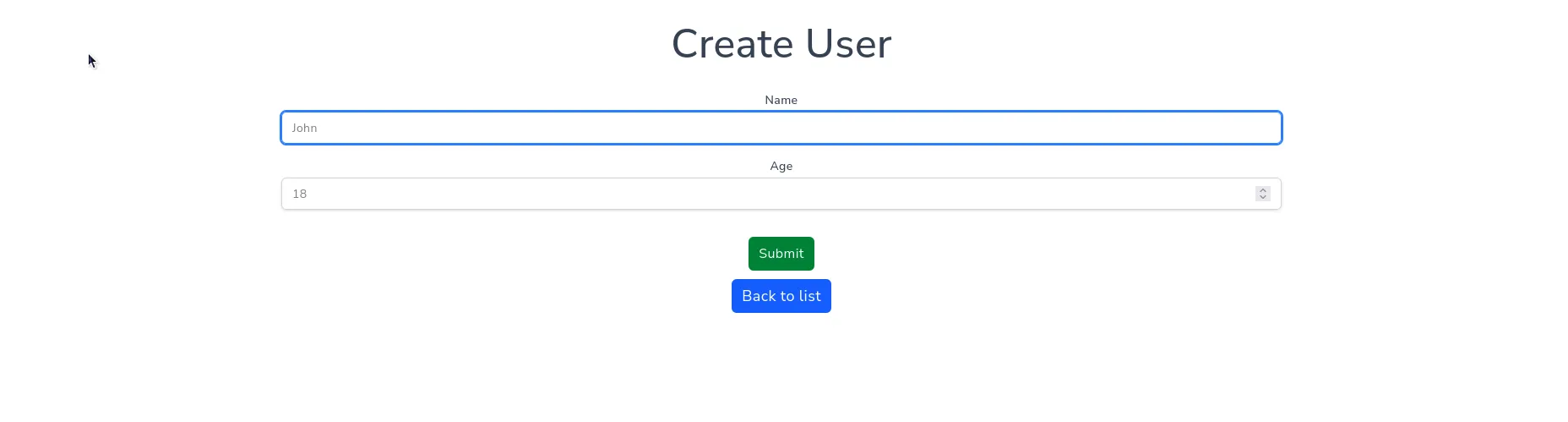
Edit user
Section titled “Edit user”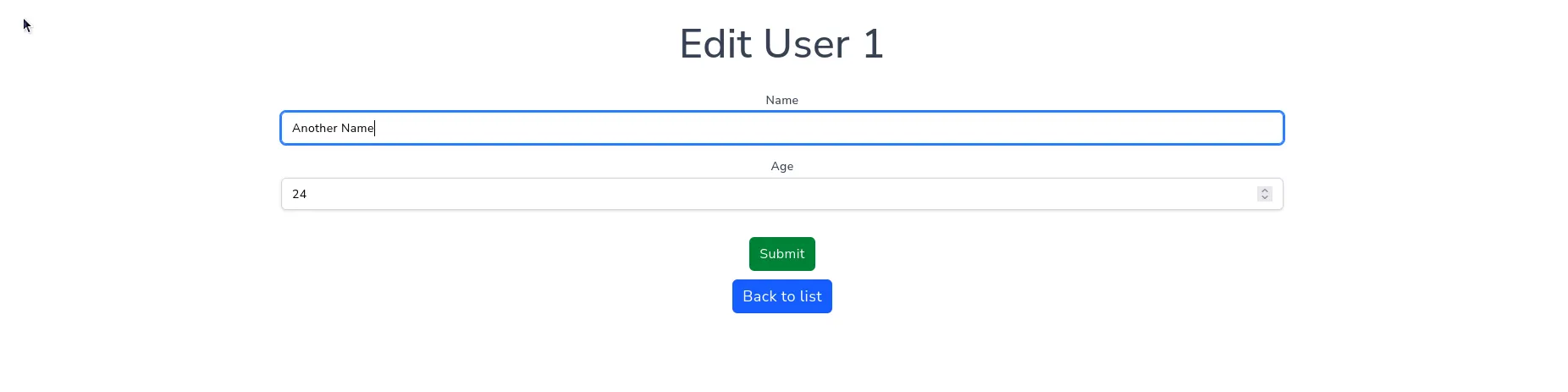
Show user
Section titled “Show user”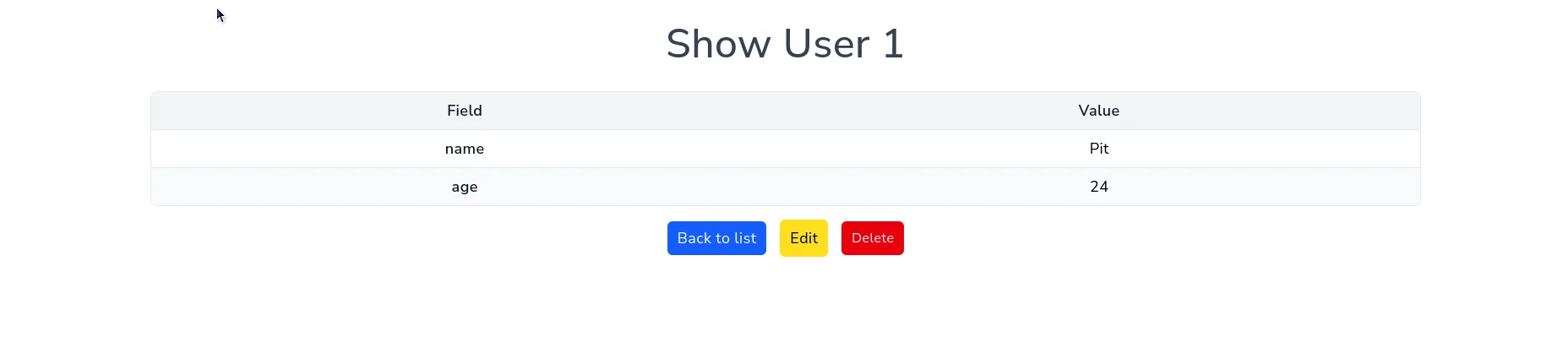
Delete user
Section titled “Delete user”In this example, delete operation is implemented as a dialog, not a separated page.