Angular CRUD API
Consume CRUD API with Angular & Typescript
angular-crud-apiIntroduction
Section titled “Introduction”CRUD stands for Create, Read, Update and Delete.
Those are the basic operations you would perform on a database entity.
In this blog post, we’ll be using a super-simple User entity with name and age properties.
Languages & Tools
Section titled “Languages & Tools”This project combines:
- Angular framework,
- Typescript language superset.
Angular framework
Section titled “Angular framework”Angular framework is maintained by a dedicated team at Google.
Angular provides a broad suite of tools, APIs, and libraries to simplify and streamline your development workflow.
Key features of this framework are:
- create and nest components,
- decouple UI from inner logic,
- conditional rendering,
- event-driven rendering
- state managed by Angular’s signals,
- use plain
.tsfiles instead of TSX files.
Typescript language
Section titled “Typescript language”I prefer to use typed languages, so I always combine React with Typescript superset.
Moreover, for this project I took inspiration from code generated from:
I really suggest to take a look at that project!
The backend
Section titled “The backend”The backend we’re using is:
You can find the code here:
user_crud_serverProject Structure
Section titled “Project Structure”Code Structure
Section titled “Code Structure”The project structure is:
Directorysrc
Directoryapp/ configure routes and homepage
- …
Directorycomponents/
Directoryshared/ user form components used by create and updated components
- …
Directoryuser
Directorycreate/ components’
.htmland.tsfiles- create.component.html UI
- create.component.ts logic
Directorylist/ get all users
- …
Directoryshow/ get single user
- …
Directoryupdate/ edit user
- …
Directoryinterface/
- User.ts model used within API calls
Directoryroutes/ Angular Router configs imported by
./app/app.routes.ts- …
Directoryservice/
- user-facade.service.ts middleware between UI components and API calls
- user.service.ts API calls
Directorystyle/ .css files
- …
Directoryutils/
- …
- index.html app entrypoint that calls ./src/app.ts
- angular.json defines entrypoint and all the settings
Project Routes
Section titled “Project Routes”CRUD app routes are very important:
/users: list all the users,/users/create: allow creation of a new user,/users/edit/:id: allow editing of a user given its id,/users/edit/:id: show a user given its id,
Eventually, you can also implement /users/delete/:id that could allow to delete a user given its id.
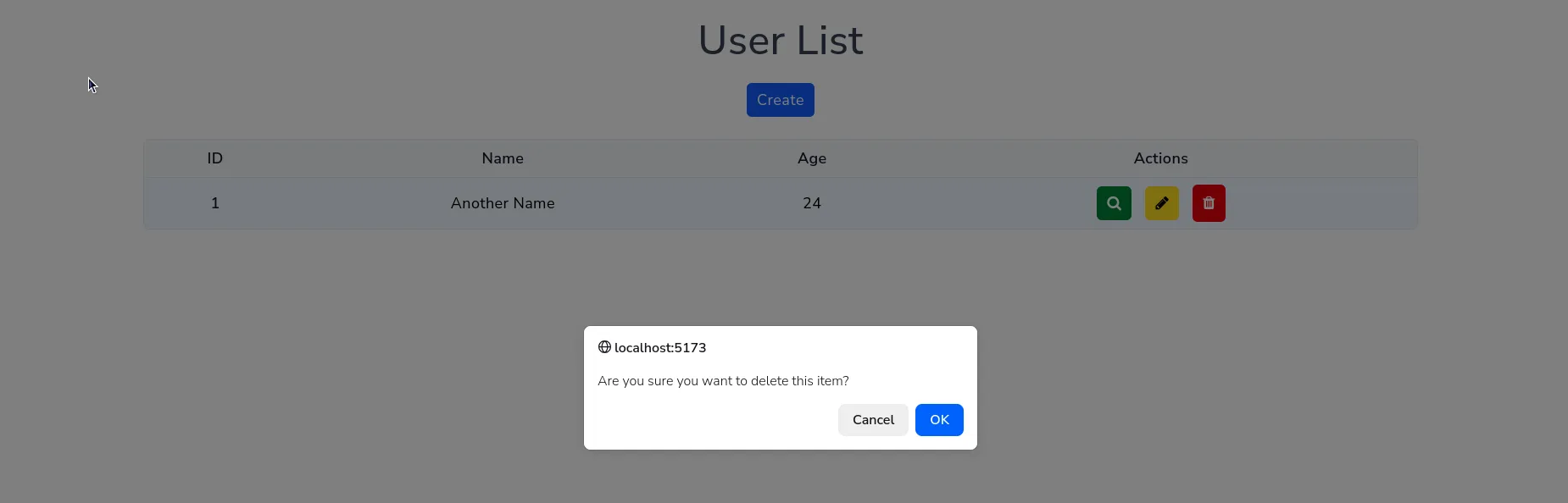
In this application, user deletion is performed through a web +Dialog*.
App Screenshot
Section titled “App Screenshot”List Users
Section titled “List Users”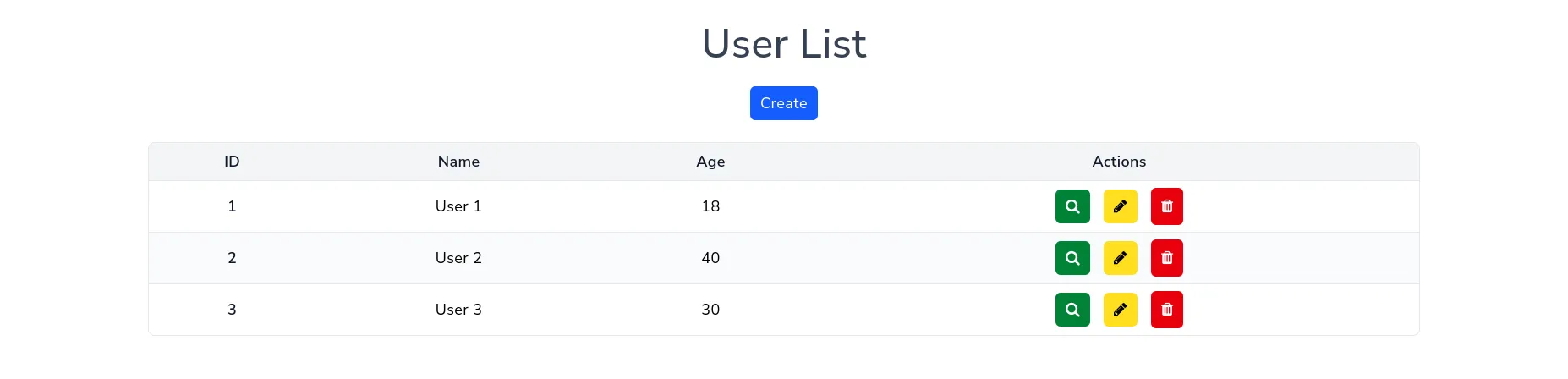
Create new user
Section titled “Create new user”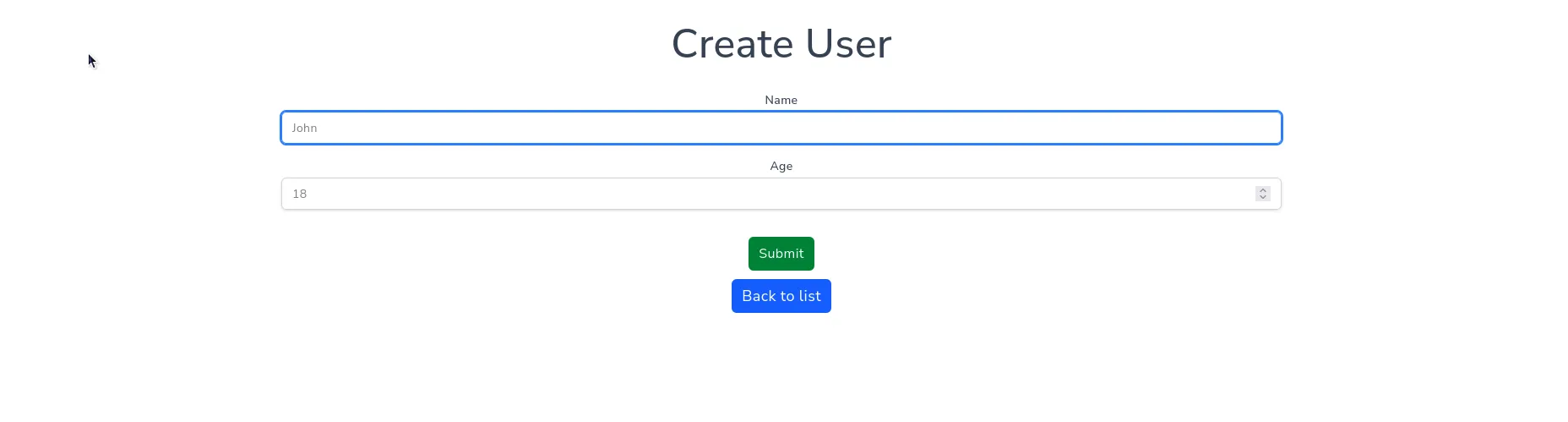
Edit user
Section titled “Edit user”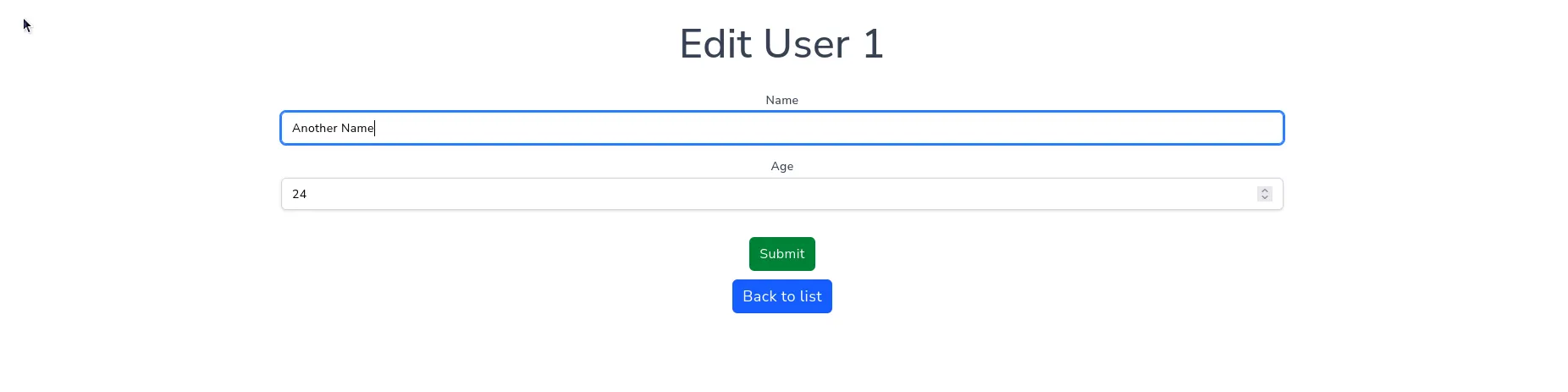
Show user
Section titled “Show user”
Delete user
Section titled “Delete user”In this example, delete operation is implemented as a dialog, not a separated page.